Imagine settling in for a movie night, eager to dive into a captivating story, only to find the dialogue doesn’t quite match the actors’ lips. That annoying audio delay, or “lip-sync issue,” can quickly ruin an otherwise perfect viewing experience. For many, this is the frustrating reality of trying to use standard Bluetooth headphones with a television. But what if you could enjoy crystal-clear, perfectly synchronized audio without disturbing anyone else in the room?
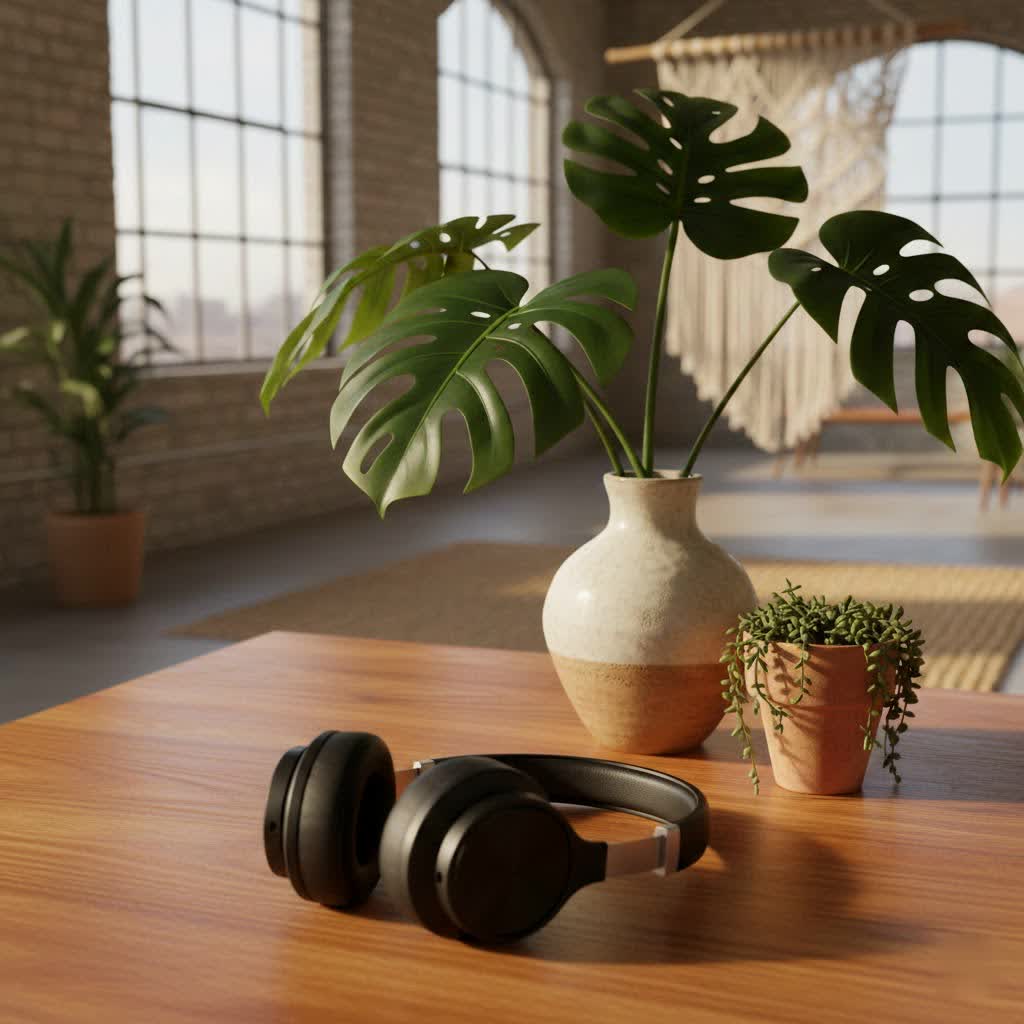
The good news is, with the right Bluetooth headphones for TV, you absolutely can. The secret lies in understanding a few key technologies and features that transform your television audio from a jarring experience into an immersive escape. This comprehensive guide will walk you through everything you need to know to choose the perfect pair, ensuring your favorite shows, movies, and even games sound exactly as they should—flawlessly.
The Critical Role of Low Latency in TV Audio
When it comes to watching TV, the speed at which sound travels from your screen to your ears is paramount. Audio delay, also known as latency, refers to the time lag between the video you see and the audio you hear. Even a slight delay can lead to noticeable lip-sync issues, making dialogue seem out of sync with the speaker’s mouth movements. Standard Bluetooth connections often introduce latencies of 100 milliseconds or more, which is highly perceptible and distracting.
To combat this, specialized technologies are employed. The most significant of these is aptX Low Latency (aptX-LL). This Bluetooth codec is designed to compress and transmit audio data with speed as its primary goal, effectively cutting latency to less than 40 milliseconds. At this level, the delay becomes virtually imperceptible to most users, ensuring that what you see and hear is perfectly aligned. Newer advancements like aptX Adaptive further enhance this by dynamically adjusting for both low latency and high-quality audio based on the content and environment. While Bluetooth is the focus, some systems utilize RF (Radio Frequency) transmission for even lower, near-zero lag and extended range, though these typically require a dedicated transmitter and receiver.
Popular Types of Bluetooth Headphones for TV Viewing
Choosing the right style of headphones is just as important as the underlying technology. Different types offer varying degrees of comfort, sound immersion, and portability, making some better suited for TV watching than others.
Over-Ear Headphones
These are often the go-to choice for dedicated TV viewing.
- Advantages: Over-ear headphones excel in comfort, especially for extended use, thanks to their soft, circumaural earcups that fully enclose your ears. This design also provides excellent passive noise isolation, blocking out household distractions and enhancing immersion. They typically house larger drivers, contributing to superior sound quality, and often boast impressive battery life.
- Disadvantages: Their larger size can make them less portable and bulkier to wear, especially if you move around a lot while watching.
- Best for: Avid movie buffs, gamers, or anyone seeking a truly immersive, uninterrupted audio experience.
|
Our Picks for the Best Bluetooth Headphones in 2026
As an Amazon Associate I earn from qualifying purchases.
|
||
| Num | Product | Action |
|---|---|---|
| 1 | BERIBES Bluetooth Headphones Over Ear, 65H Playtime and 6 EQ Music Modes Wireless Headphones with Microphone, HiFi Stereo Foldable Lightweight Headset, Deep Bass for Home Office Cellphone PC Ect. |

|
| 2 | JBL Tune 720BT - Wireless Over-Ear Headphones with JBL Pure Bass Sound, Bluetooth 5.3, Up to 76H Battery Life and Speed Charge, Lightweight, Comfortable and Foldable Design (Black) |
|
| 3 | JBL Tune 720BT - Wireless Over-Ear Headphones with JBL Pure Bass Sound, Bluetooth 5.3, Up to 76H Battery Life and Speed Charge, Lightweight, Comfortable and Foldable Design (Blue) |
|
| 4 | JBL Tune 720BT - Wireless Over-Ear Headphones with JBL Pure Bass Sound, Bluetooth 5.3, Up to 76H Battery Life and Speed Charge, Lightweight, Comfortable and Foldable Design (Purple) |
|
| 5 | Apple AirPods Pro 3 Wireless Earbuds, Active Noise Cancellation, Live Translation, Heart Rate Sensing, Hearing Aid Feature, Bluetooth Headphones, Spatial Audio, High-Fidelity Sound, USB-C Charging |
|
| 6 | BERIBES Bluetooth Headphones Over Ear, 65H Playtime and 6 EQ Music Modes Wireless Headphones with Microphone, HiFi Stereo Foldable Lightweight Headsets, Deep Bass for Home Office Cellphone PC Ect. |
|
| 7 | BERIBES Bluetooth Headphones Over Ear, 65H Playtime and 6 EQ Music Modes Wireless Headphones with Microphone, HiFi Stereo Foldable Lightweight Headsets, Deep Bass for Home Office Cellphone PC Ect. |
|
| 8 | JBL Tune 720BT - Wireless Over-Ear Headphones with JBL Pure Bass Sound, Bluetooth 5.3, Up to 76H Battery Life and Speed Charge, Lightweight, Comfortable and Foldable Design (White) |
|
| 9 | Apple AirPods 4 Wireless Earbuds, Bluetooth Headphones, Personalized Spatial Audio, Sweat and Water Resistant, USB-C Charging Case, H2 Chip, Up to 30 Hours of Battery Life, Effortless Setup for iPhone |
|
| 10 | Memorex 3-in-1 Wireless Audio Bundle Triple Pack - MX-HSP3P-II(R) - Bluetooth Headphones - True Wireless Earbuds & Portable Bluetooth Speaker - Bluetooth 5.1 - Hands-Free Calls (Red) |
|
On-Ear Headphones
A more compact alternative to over-ear models, on-ear headphones rest on top of your ears.
- Advantages: They are generally lighter and more portable than over-ear headphones.
- Disadvantages: Comfort can vary more widely, and they offer less passive noise isolation compared to over-ears, meaning some ambient sounds might still get through.
- Best for: Casual viewers who prioritize a lighter feel and don’t need absolute isolation.
True Wireless Earbuds (TWS)
These tiny, wire-free earbuds have gained immense popularity for their ultimate portability.
- Advantages: True wireless earbuds are incredibly discreet and convenient, making them ideal for quick listening sessions without any cables.
- Disadvantages: Battery life is typically shorter than larger headphones, and they can be easier to misplace. While some TWS earbuds now support low-latency codecs, many still rely on standard Bluetooth, which can introduce noticeable lag for TV.
- Best for: Those who need ultra-portability or prefer an almost invisible listening solution, understanding that dedicated TV features might be less common.
Neckband and Sports Bluetooth Headphones
Designed for active use, these headphones typically feature a flexible band that rests around your neck, with earbuds or small on-ear cups.
- Advantages: They offer a secure fit, often come with water and sweat resistance, and provide a good balance between portability and battery life. The neckband design means they’re less likely to be lost than true wireless earbuds.
- Disadvantages: They might not offer the same level of audio immersion or robust noise cancellation as over-ear models.
- Best for: Individuals who watch TV while doing light activities around the house, like cooking or cleaning, or for those who prefer a secure fit without the bulk of over-ear headphones.
Essential Features to Prioritize for TV Bluetooth Headphones
When selecting the Best Bluetooth Headphones For Tv, specific features elevate the viewing experience from merely acceptable to truly outstanding. Focusing on these ensures you get the most out of your audio.
Low Latency Codecs
This is arguably the most critical feature. Always look for headphones and, crucially, a Bluetooth transmitter that support aptX Low Latency (aptX-LL) or aptX Adaptive. Without these, you risk distracting audio delays. While some smart TVs now have built-in Bluetooth, native support for aptX-LL is still rare. If your TV doesn’t support it, an external transmitter is essential.
Dedicated Transmitters
Many of the best Bluetooth headphones for TV viewing come bundled with or are designed to work seamlessly with a dedicated Bluetooth transmitter. These transmitters plug directly into your TV’s audio output (optical, RCA, or 3.5mm AUX jack) and broadcast the audio to your headphones using a low-latency codec. This ensures a stable connection and minimal lag, even if your TV’s native Bluetooth is not low-latency compatible. Some advanced transmitters can even support multiple pairs of headphones simultaneously.
Comfort and Design
Long viewing sessions demand comfortable headphones. Look for models that are lightweight, with generously padded earcups (preferably over-ear for full coverage) and an adjustable, padded headband. Materials like memory foam and breathable fabrics contribute significantly to long-term wearability, preventing fatigue and discomfort during extended binge-watching.
Battery Life
No one wants their headphones to die in the middle of a crucial plot twist. Aim for headphones offering at least 20-30 hours of continuous playback on a single charge. This ensures you can enjoy multiple movies or several episodes of a series without needing to recharge. Features like quick charging and convenient charging docks can also be significant advantages.
Sound Quality and Profile
For TV, clear dialogue is paramount. Look for headphones that offer a balanced sound profile, where voices are distinct and crisp, without being overwhelmed by bass or treble. While powerful bass can enhance action scenes, it shouldn’t muddy the mid-range where most dialogue resides. Active Noise Cancellation (ANC) is also highly beneficial, as it actively blocks out ambient noise, allowing you to focus entirely on the TV’s audio.
Connectivity and Multi-Device Support
Ease of pairing and a stable connection are fundamental. Some advanced headphones offer multi-point connectivity, allowing you to connect to your TV and another device (like your phone) simultaneously, switching between them seamlessly. This is convenient if you receive a call while watching TV.
Top Picks for Bluetooth Headphones for TV
Based on performance, features, and user feedback, several models stand out as excellent choices for TV viewing.
- Best Overall for Seamless TV Integration: The Sonos Ace headphones are highly rated for TV use. They support aptX-LL and offer unique integration with Sonos soundbars via a “TV Audio Swap” feature, allowing you to instantly transfer audio. Their comfort, over 35 hours of battery life, excellent active noise cancellation, and warm sound profile make them a top contender for immersive viewing.
- Best for Dedicated Low Latency Systems: Brands like Avantree specialize in wireless TV audio solutions. Models like the Avantree Ensemble or HT41899 Plus often come with dedicated transmitters supporting aptX Low Latency, ensuring minimal delay straight out of the box. They are praised for their ease of use, long battery life (up to 35-50 hours), and comfortable designs specifically tailored for TV watching.
- Best for Premium Audio and Low Latency: The Shure AONIC 50 (Gen 2) is known for its premium sound quality and also supports aptX-LL, making it a great choice for audiophiles who also prioritize a lag-free TV experience.
- Excellent Noise Cancellation with Good Battery: The Sony WH-1000XM5 headphones offer some of the best active noise cancellation on the market, creating a truly private listening environment. While their standard Bluetooth latency might be moderate, they still provide excellent sound and spatial audio features for an immersive experience, especially when paired with a low-latency transmitter.
- Top-Tier Gaming Headset, Great for TV: The SteelSeries Arctis Nova Pro Wireless is a prime example of how gaming headsets excel in low latency, making them formidable for TV. Their sophisticated base station allows for simultaneous connections from multiple sources, offering incredible versatility.
Connecting Your Bluetooth Headphones to Your TV
Connecting your headphones to your TV can be straightforward, but it often depends on your TV’s capabilities.
Smart TVs with Built-in Bluetooth
Most modern smart TVs have integrated Bluetooth. To connect:
- Go to your TV’s settings menu and navigate to the audio or sound output options.
- Select “Bluetooth” and put your headphones into pairing mode.
- Choose your headphones from the list of available devices on your TV screen.
However, remember that even if your TV has Bluetooth, it might not support low-latency codecs like aptX-LL, leading to audio delay. Always check your TV’s specifications.
Using an External Bluetooth Transmitter
If your TV lacks Bluetooth or doesn’t support low-latency codecs, an external Bluetooth transmitter is your best friend.
- Connect the Transmitter: Plug the transmitter into your TV’s audio output. Common options include:
- Optical (TOSLINK): Offers high-quality digital audio, common on newer TVs.
- RCA (red and white cables): Analog audio, found on many older TVs.
- 3.5mm AUX jack: A standard headphone jack, versatile for various devices.
- Power On: Connect the transmitter to a USB power source (many come with a USB cable).
- Pair Headphones: Put your headphones into pairing mode, then put the transmitter into pairing mode. They should connect automatically.
This method bypasses your TV’s internal Bluetooth and leverages the low-latency capabilities of the transmitter and your headphones.
Understanding Price Ranges for Quality TV Headphones
The cost of quality Bluetooth headphones for TV can vary significantly, reflecting the features, build quality, and audio technology.
Under $50
At this entry-level price point, you’ll find basic Bluetooth headphones. While they offer wireless convenience, it’s unlikely they’ll support aptX Low Latency, meaning you’re more prone to experiencing audio lag. Sound quality and comfort may also be limited, best suited for very casual listening where lip-sync isn’t a major concern.
$50 to $150
This mid-range offers a sweet spot for many. Here, you can find solid options that may include aptX Low Latency support (often bundled with a transmitter), decent sound quality, and improved comfort. Brands like Avantree frequently offer excellent value in this segment, focusing specifically on TV audio solutions.
Over $150
In the premium category, you’ll encounter top-tier headphones from brands like Sonos, Shure, and Sony. These models boast superior audio fidelity, advanced noise cancellation, exceptional comfort for prolonged use, and robust build quality. They almost certainly include aptX Low Latency or Adaptive support (or comparable proprietary low-latency tech) and often come with additional smart features and extended battery life. This is where you’ll find the most immersive and truly lag-free experiences.
Conclusion
Choosing the best Bluetooth headphones for TV is all about achieving that perfect synergy between picture and sound. The key takeaway is simple: prioritize low-latency technology, specifically aptX Low Latency or Adaptive, and be prepared to invest in a dedicated Bluetooth transmitter if your TV doesn’t natively support it. Beyond latency, consider comfort for extended viewing, impressive battery life, and a sound profile that emphasizes clear dialogue.
By carefully evaluating these factors, you can unlock a truly immersive and personal home entertainment experience, free from distracting audio delays. So, why let audio lag ruin your next movie night? What kind of content do you watch most often, and how might that influence your ideal headphone choice?
Frequently Asked Questions
What causes audio delay when using Bluetooth headphones with a TV?
Audio delay primarily results from the time it takes for Bluetooth to compress, transmit, and decompress audio data. Standard Bluetooth codecs like SBC introduce significant latency, causing a noticeable lag between the video and audio.
Do I need a special transmitter for low-latency TV audio?
Often, yes. While some modern smart TVs have built-in Bluetooth, very few natively support low-latency codecs like aptX Low Latency. An external Bluetooth transmitter, connected to your TV’s audio output (optical, RCA, or 3.5mm), is typically necessary to achieve truly lag-free audio with compatible headphones.
Can I use any Bluetooth headphones for TV?
You can technically use any Bluetooth headphones, but only those supporting low-latency codecs (like aptX-LL or aptX Adaptive) or paired with a dedicated low-latency transmitter will effectively minimize audio delay and prevent lip-sync issues for TV viewing.
Are RF headphones better than Bluetooth for TV?
RF (Radio Frequency) headphones generally offer even lower latency and a longer range than Bluetooth, providing a near-zero lag experience. However, they typically require a dedicated RF transmitter and receiver, and may be more susceptible to RF interference compared to Bluetooth with aptX-LL, which offers broader compatibility.
How much battery life should I look for in TV headphones?
For extended TV viewing, aim for headphones with at least 20-30 hours of continuous playback on a single charge. This ensures you can enjoy multiple movies or several episodes of a series without interruption. Look for models with quick-charging capabilities or convenient charging docks.
